 RigMining
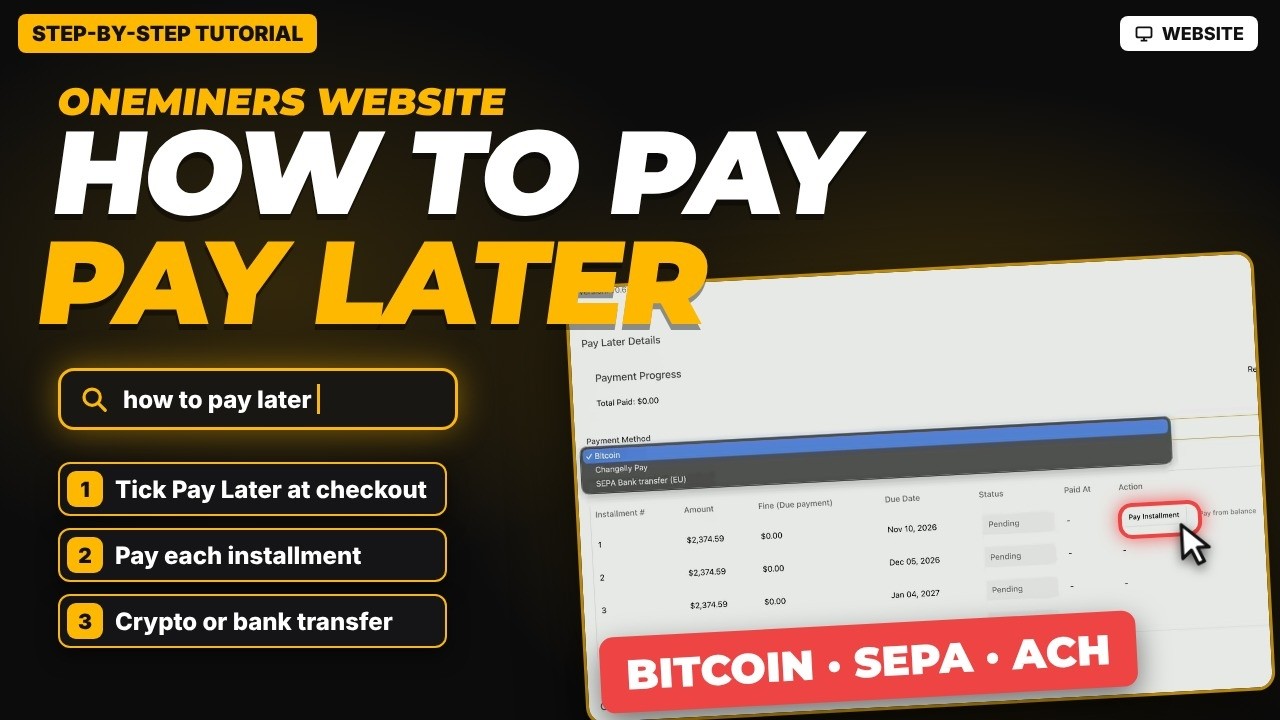
How to Pay a Pay Later Order on OneMiners (Crypto or Bank)
Turn on Pay Later at checkout, then pay each installment from your order page with crypto, SEPA or ACH bank transfer. No grace period, so read this first.
12 step-by-step guides, newest first.
Turn on Pay Later at checkout, then pay each installment from your order page with crypto, SEPA or ACH bank transfer. No grace period, so read this first.

Order a miner on the OneMiners website: find it, choose hosting, shipping or pickup, pick a payment method, add extras and confirm your order.
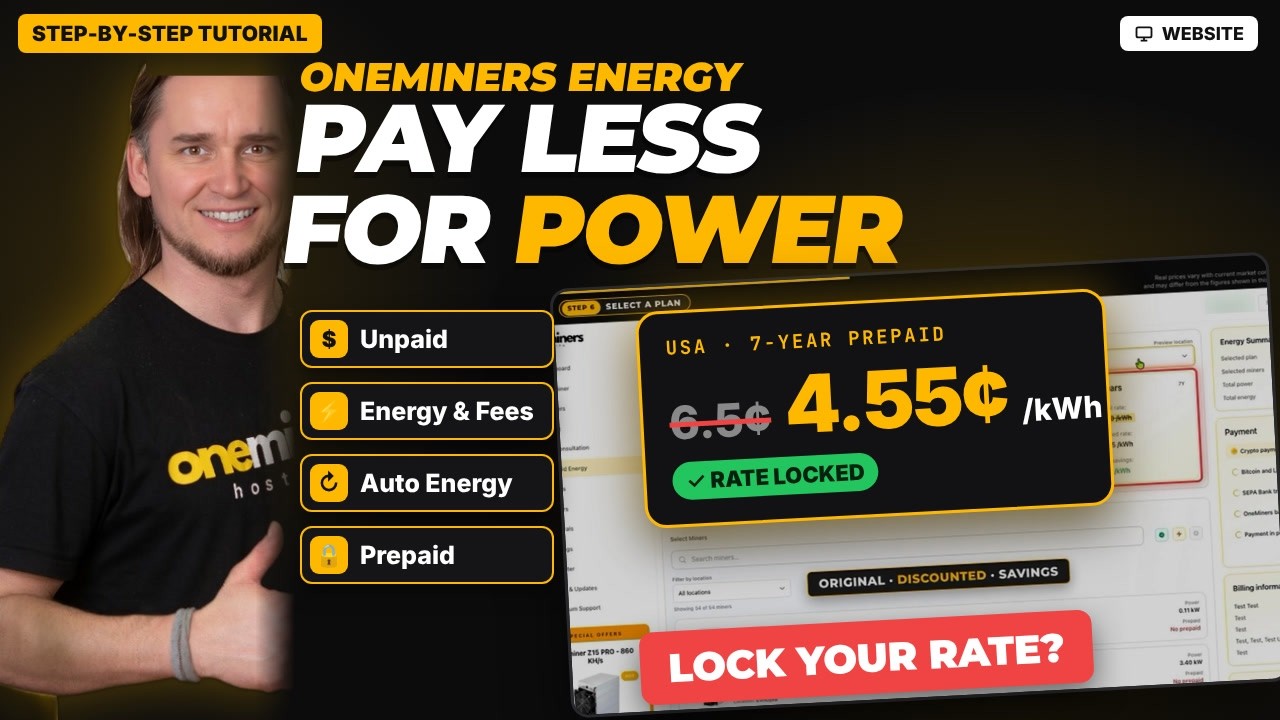
Learn what Unpaid means, how the Energy & Fees wallet and Auto Energy work, and how Prepaid Energy locks a lower fixed electricity rate for 1, 3 or 7 years.
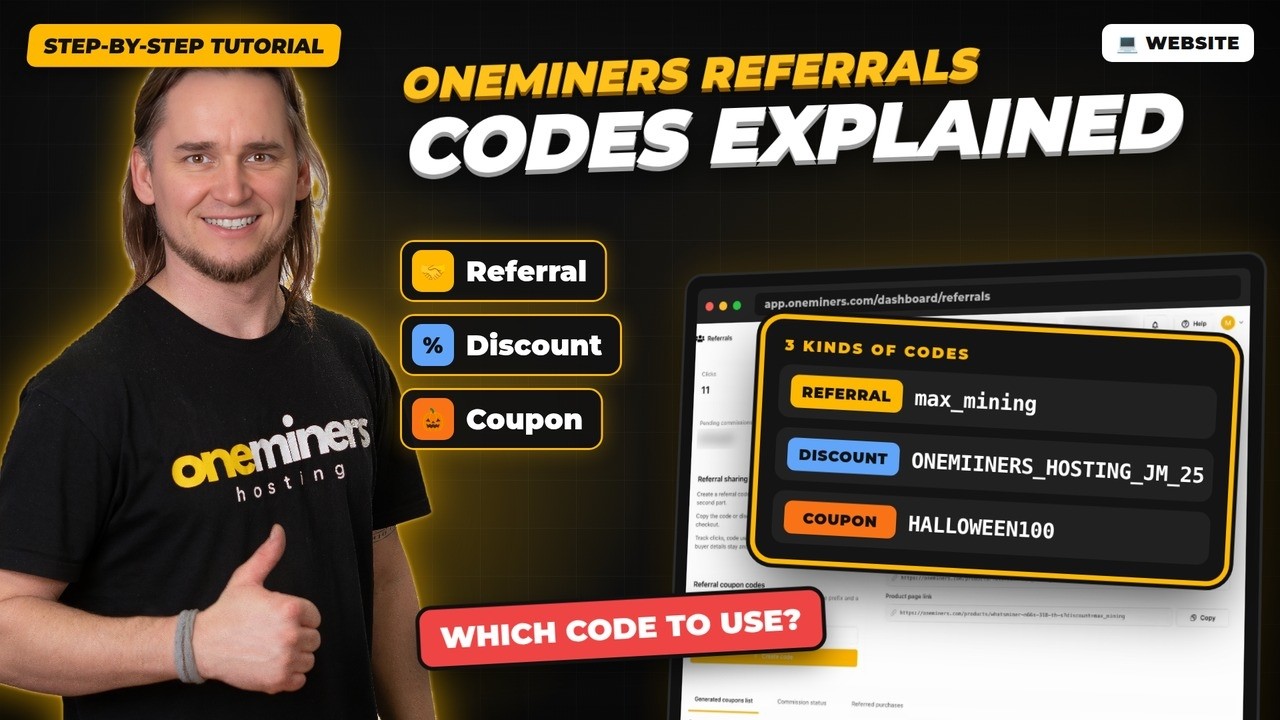
Create and share your OneMiners referral code, track clicks and commission, and learn how referral, discount and coupon codes differ.

Use the Wallet tab in the OneMiners mobile app to deposit, set a payout address, preview your withdrawal fee, exchange coins and track payouts.
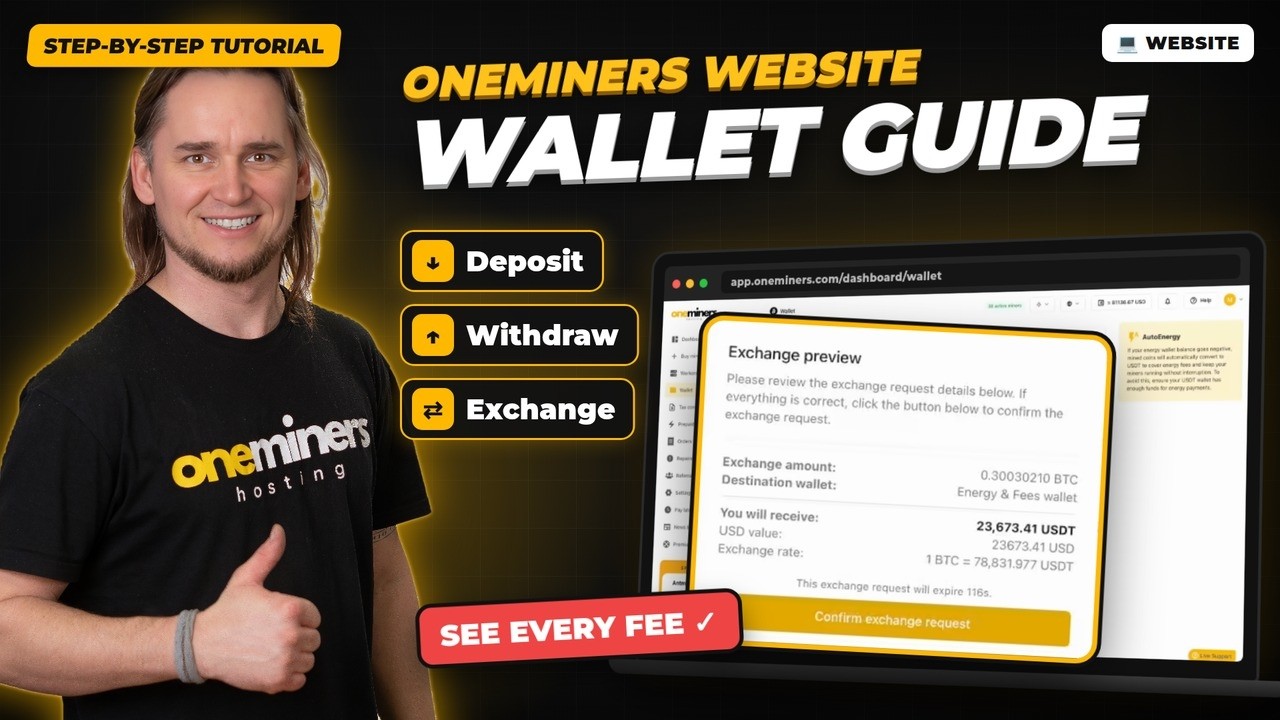
Use the OneMiners wallet on desktop to deposit, withdraw and exchange earnings, set your payout address and see every fee before you confirm.
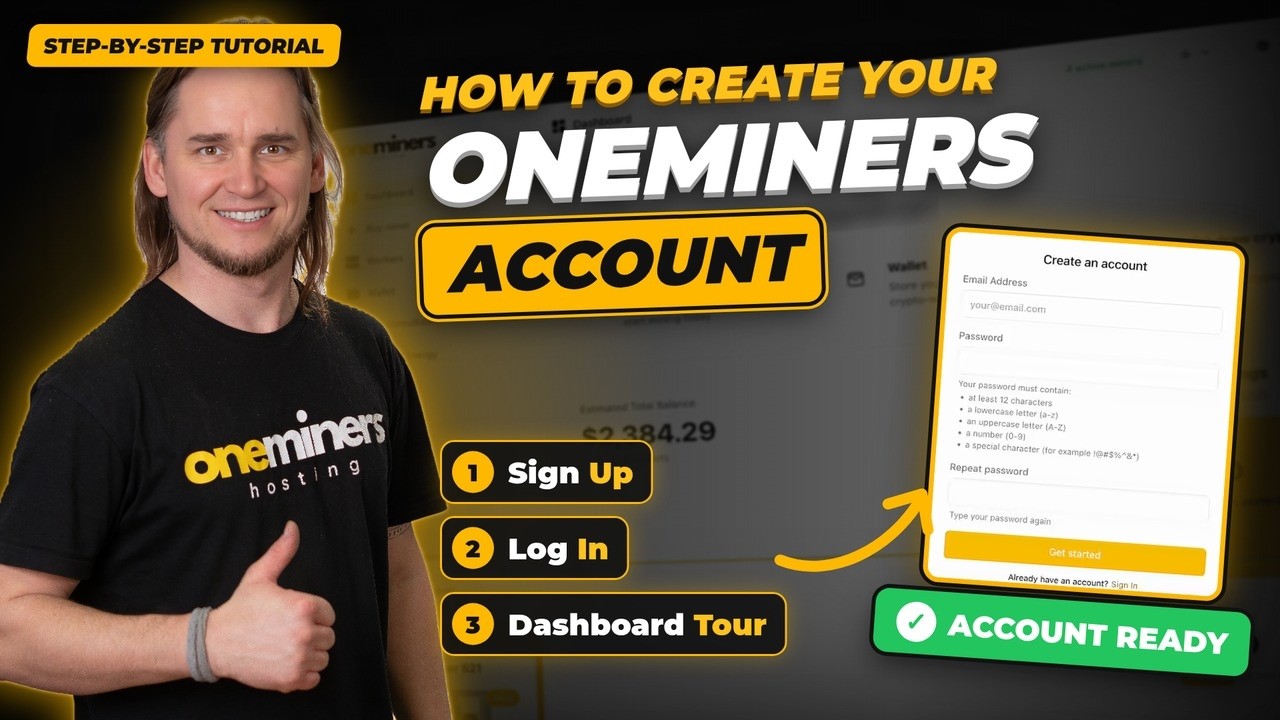
Create your OneMiners account, sign in and learn every part of the dashboard: buy miners, workers, wallet, energy, orders, repairs, referrals and settings.

Every way to reach the OneMiners team: support tickets, WhatsApp, free 1-on-1 calls with experts, how to confirm bank payments and where the offices are.

Compare OneMiners hosting sites by electricity rate, connectivity and uptime, and see how the hosting location changes the yearly cost of two Antminer models.
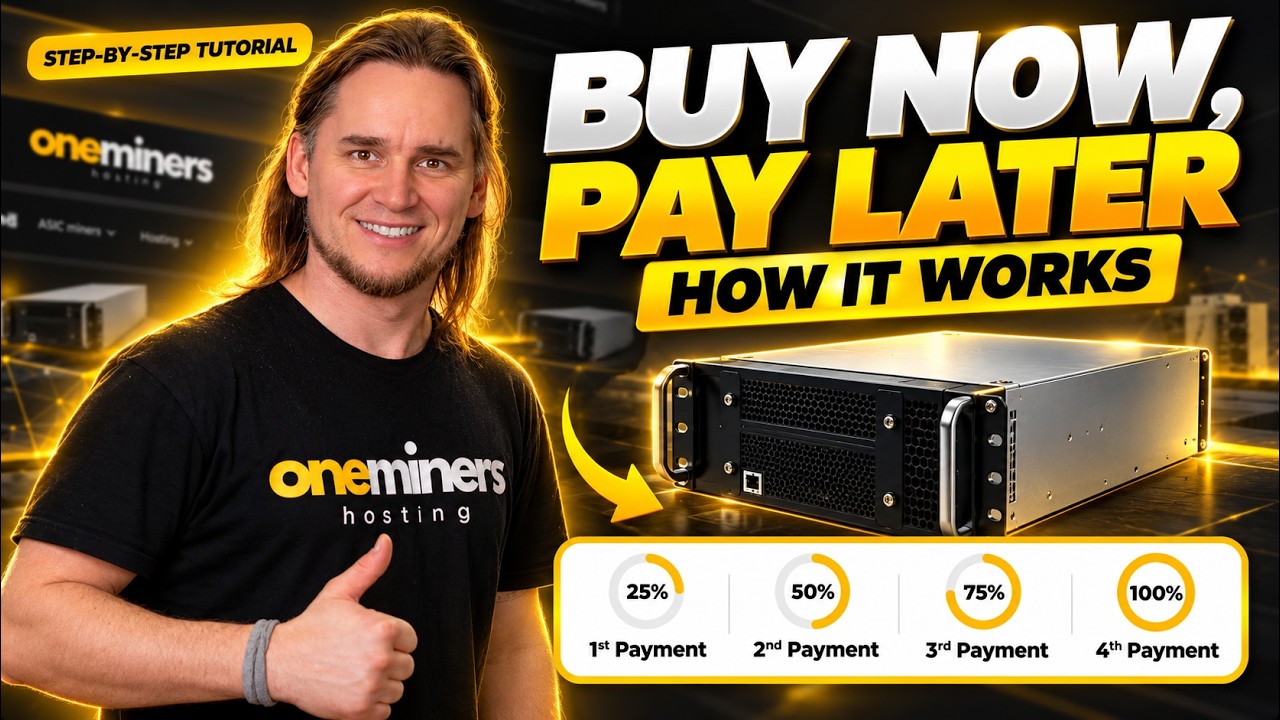
Buy a Bitcoin miner without paying the full price on day one. See how Pay Later works at checkout, from picking the miner to confirming your order.

Choose a Bitcoin miner on OneMiners with four filters: budget, energy efficiency (J/TH), cooling system and brand. Learn to read the income and net numbers.
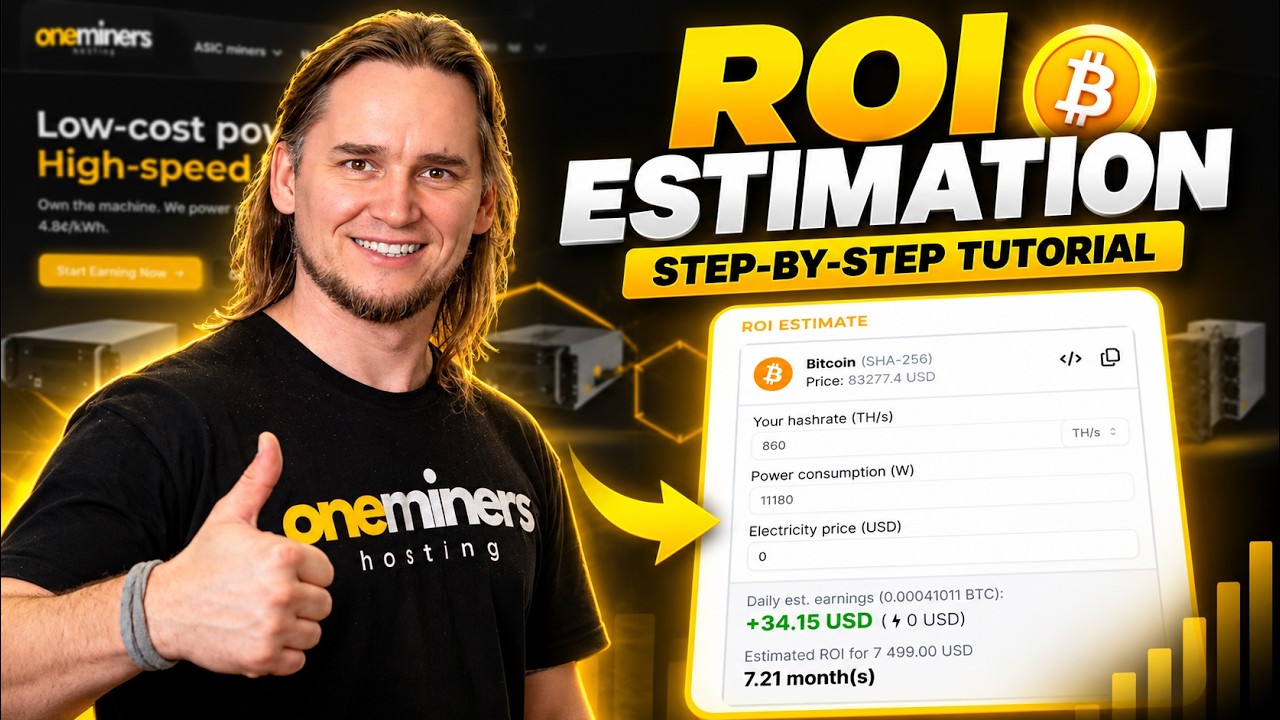
Use the free OneMiners mining calculator to estimate daily earnings, power cost, net per day and payback time before you buy a Bitcoin miner.