 RigMining
How to Buy a Miner on OneMiners: Step-by-Step Guide
Order a miner on the OneMiners website: find it, choose hosting, shipping or pickup, pick a payment method, add extras and confirm your order.
Prefer YouTube? Watch this tutorial on YouTube.
Ready to order your first miner, or your next one? This guide walks through the whole OneMiners checkout, from picking a machine to pressing Confirm order.
Step 1: Find your miner
- Click Buy miner in the left menu.
- Search, sort or filter the list by brand (for example Antminer) or by the coin you want to mine.
- Click a miner to open its details: hash rate, power use, the coin it mines and the full technical specs.
- Click Add to cart. Your cart opens on the side, where you can change the quantity.
- Click Checkout.
Not sure which machine fits you? Read how to pick a Bitcoin miner first.
Step 2: Choose how your miner is delivered
You have three options:
- OneMiners hosting. Maintenance and electricity are included, and you manage everything from your dashboard.
- Shipping. Delivery to your address. The cost depends on the weight of your order.
- Pickup. Collect it yourself. Choose a pickup location; each one shows whether it is free or busy.
Step 3: Pick a hosting area
If you chose hosting, select the site where your miner will run. Every site shows its electricity rate per kilowatt-hour, its free capacity, its connectivity and its uptime. Sites marked full cannot take new miners. Our hosting sites comparison explains how the choice changes your electricity cost.
Step 4: Choose how to pay
The payment options are:
- Crypto: Bitcoin or Litecoin
- SEPA bank transfer by invoice
- Your OneMiners balance
- Payment in person
With payment in person, processing starts only after the payment has been made.
Step 5: Add optional extras
- Priority processing. In-stock miners are set up and running within 48 working hours after payment.
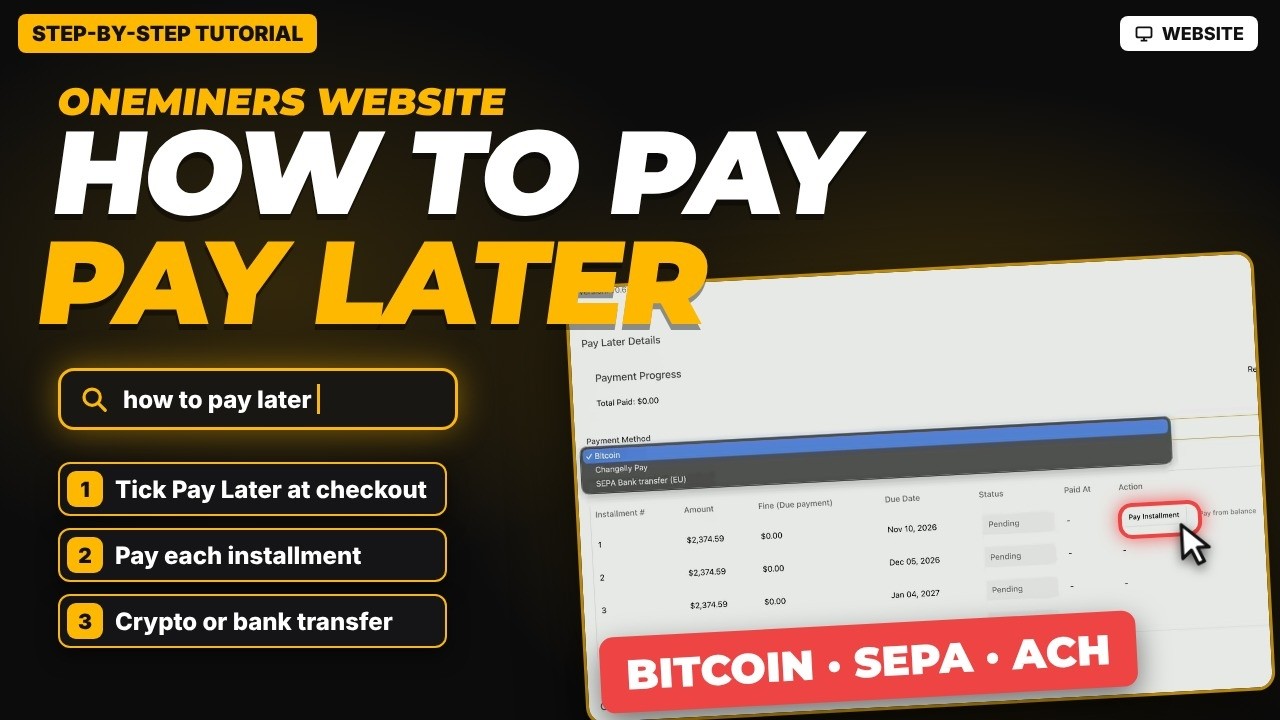
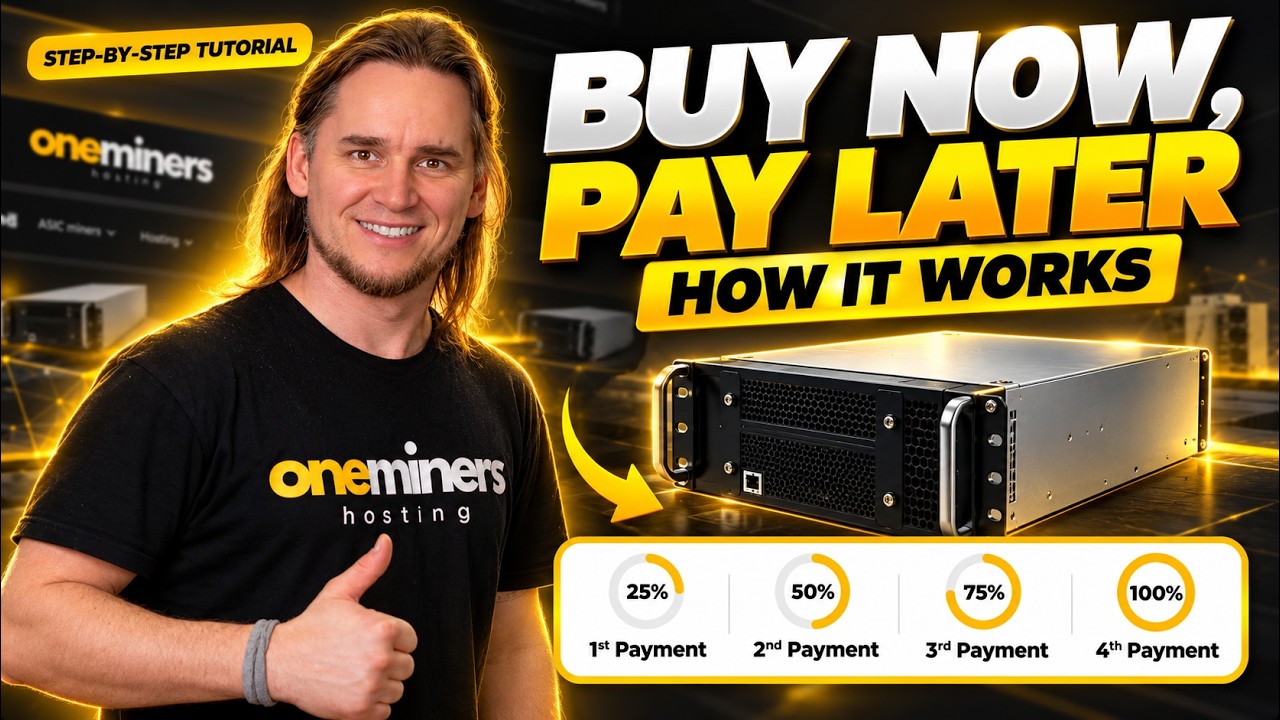
- Pay Later. Pay a quarter upfront and the rest over the following months. See how Pay Later works.
- Tax and import duty optimization. Optional.
Step 6: Billing details, summary and confirmation
- Fill in your billing details as a person or as a business.
- Check the order summary on the right. It shows the machine price, any extras and your total.
- Watch the progress bar. It shows how much more you would need to add to unlock an order discount.
- Enter a coupon code if you have one.
- Tick the box to accept the terms and the hosting agreement.
- Press Confirm order.
That is it: your miner is ordered.
Good to know
The video uses a demo account, so the machine and prices on screen are examples. Real prices vary with market conditions, so check oneminers.com before you order.