 RigMining
How to Buy a Bitcoin Miner with Pay Later on OneMiners
Buy a Bitcoin miner without paying the full price on day one. See how Pay Later works at checkout, from picking the miner to confirming your order.
Prefer YouTube? Watch this tutorial on YouTube.
Want a Bitcoin miner without paying the full price on day one? This walkthrough shows how to use Pay Later on OneMiners, from picking your miner to confirming your order.
How Pay Later works
You pay a quarter of the price upfront, then the rest in three more installments. Pay Later orders are available with OneMiners hosting only. Maintenance and electricity are included, and you manage everything from your dashboard. Shipping and pickup are available when you pay in full.
Step by step
- Find Bitcoin miners. On the OneMiners site, open the miner list and filter by Bitcoin.
- Add a miner to your cart. The video uses the Antminer S21e XP Hyd 3U (860 TH/s).
- Go to checkout and look at the payment options.
- Turn on Pay Later.
- Choose the delivery method. Pay Later is hosting only, so pick OneMiners hosting.
- Choose your hosting location. See the hosting sites comparison if you are unsure.
- Check the order summary. It shows the installment amount.
- View your installment schedule to see every due date.
- Fill in your billing information.
- Accept the terms and confirm your order.
What happens after you order
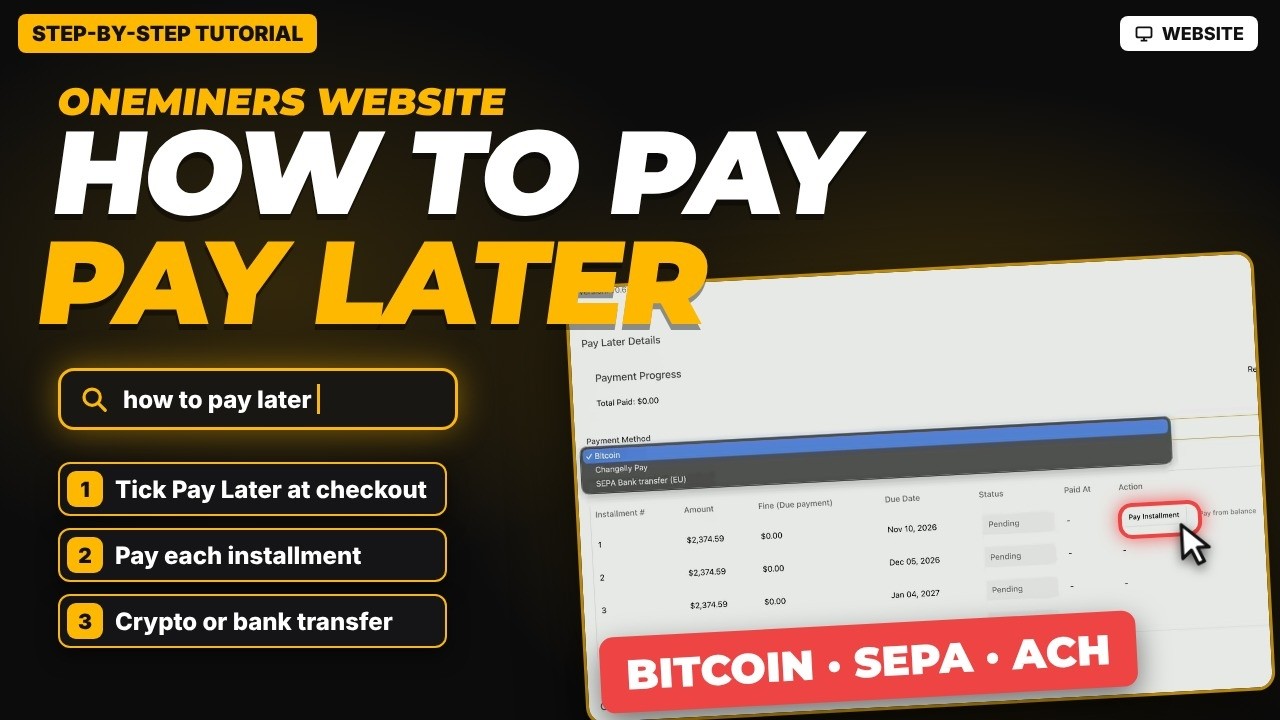
Pay each installment from your order page by crypto or bank transfer. Read how to pay a Pay Later order for the payment steps and the rules about late payments.
Good to know
Real prices vary with current market conditions and may differ from the figures in the video. Pay Later terms apply, so read them before you confirm. This guide is for information only and is not financial advice.